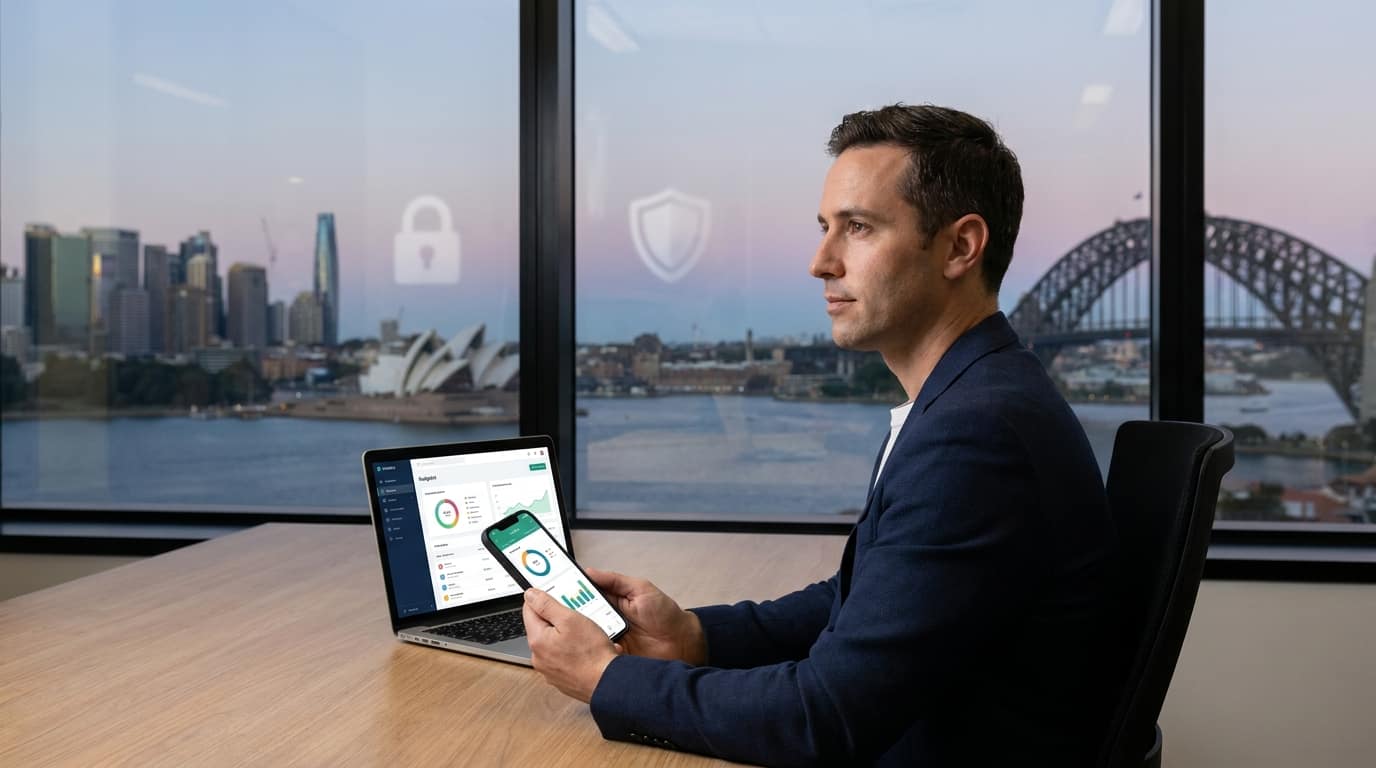
Linking your bank account to a budgeting app can be safe if proper security measures are in place, such as using OAuth tokens instead of screen-scraping. Evaluate each app’s security features and data-sharing policies before connecting.
The question “Is it safe to link your bank account to a budgeting app?” is increasingly pertinent as digital financial tools become more prevalent. Many people turn to these apps to manage their money, but concerns about data security and privacy remain paramount. This guide covers the mechanics of bank-linking, the security protocols involved, and safer alternatives for the cautious user.
Understanding the mechanics of bank-linking
At the heart of digital finance, linking a bank account to a budgeting app relies on either OAuth tokens or the older method of screen-scraping. OAuth is a modern, secure protocol that lets you grant an app access to your information without exposing your password. It is endorsed by most financial institutions for its robust security.
Screen-scraping, by contrast, has the app log into your bank account using your credentials and extract the data. This is less secure, because it requires sharing your login information with a third-party app, increasing the risk of exposure. So it’s worth confirming which method an app uses before you proceed.
| Method | Description | Security level |
|---|---|---|
| OAuth tokens | Secure; uses access tokens, does not expose passwords | High |
| Screen-scraping | Shares login credentials; less secure | Low |
Real-world breaches and lessons learned
Real-world data breaches underscore the importance of understanding app security. Heightened scrutiny of major financial-data aggregators like Plaid has drawn attention to third-party data-sharing practices, and highlights the vulnerabilities that come with third-party access to sensitive financial information.
These incidents are a reminder that while no system is completely invulnerable, understanding how your data is accessed and shared can significantly reduce risk. Prioritise apps with a transparent security history that respond promptly to incidents.
In the rapidly evolving realm of personal finance apps, the decision to link your bank account hinges on an app’s security credentials and transparency. As financial technology progresses, users must remain vigilant, opting for apps that prioritise security and privacy over convenience.
– Financial Security Consultant
Data sharing with third parties
Budgeting apps often share user data with third parties for reasons such as targeted advertising or refining financial-advice algorithms. Exactly what is shared varies significantly from one app to another, which makes it essential to review each app’s privacy policy and terms of service.
Understanding data-sharing agreements is crucial for keeping control of your personal information. Look for apps that clearly state what data is shared, why, and with whom. Transparency here is a strong signal of an app’s commitment to user privacy.
Questions to ask before connecting an app
Before linking a bank account to any budgeting app, ask:
- Does the app use OAuth or screen-scraping?
- What is the app’s history with data breaches?
- How transparent is the app about its data-sharing policies?
- What measures are in place to protect user data?
- How easy is it to revoke access if needed?
Answering these questions gives you a clearer picture of an app’s reliability and helps ensure your data stays secure.
The alternative: manual-entry budgeting apps
For those who prefer to keep financial data entirely private, manual-entry budgeting apps are a viable alternative. These apps have you input financial data yourself, avoiding the need to link bank accounts at all. It’s more time-consuming, but it significantly reduces the risk of data exposure.
Apps like Wizpend fall into this category, offering budgeting tools without the risk of automatic bank linking. This approach suits anyone who prioritises privacy over convenience: peace of mind in an increasingly connected world.
Next steps for the cautious user
If linking your bank account still feels too risky, consider alternative strategies. Manual-entry apps, combined with a thorough review of any app’s data-sharing policies, are prudent steps. Always prioritise apps with strong security protocols and a transparent approach to data handling.
Ultimately, financial security in the digital age is about staying informed and vigilant about the tools you use. By asking the right questions and exploring safer alternatives, you can enjoy the benefits of budgeting apps while minimising risk.
Ensuring data deletion from third-party aggregators
Once you decide to stop using a budgeting app, removing your personal data from third-party aggregators is crucial. Services like Plaid and Finicity offer data-deletion procedures, but you must be proactive in starting them.
Contact customer support or consult the app’s privacy policy for specific data-removal instructions to guard against residual exposure. These steps help ensure your financial information isn’t left accessible after you stop using the app.
Regulatory insights: protection under Regulation E
Regulation E, part of the Electronic Fund Transfer Act, provides certain protections against unauthorised transactions. However, it predominantly covers your direct interactions with banks rather than third-party apps.
If a third-party app experiences a breach, Regulation E protection may not apply, which is why reviewing an app’s own security measures matters so much. Check your bank’s policies on third-party app interactions to fully understand potential liabilities and protections.
Sources & further reading
- “Is it safe to link your accounts to budgeting apps?”
- “Is it safe to link your bank accounts to financial tools and aggregators?”