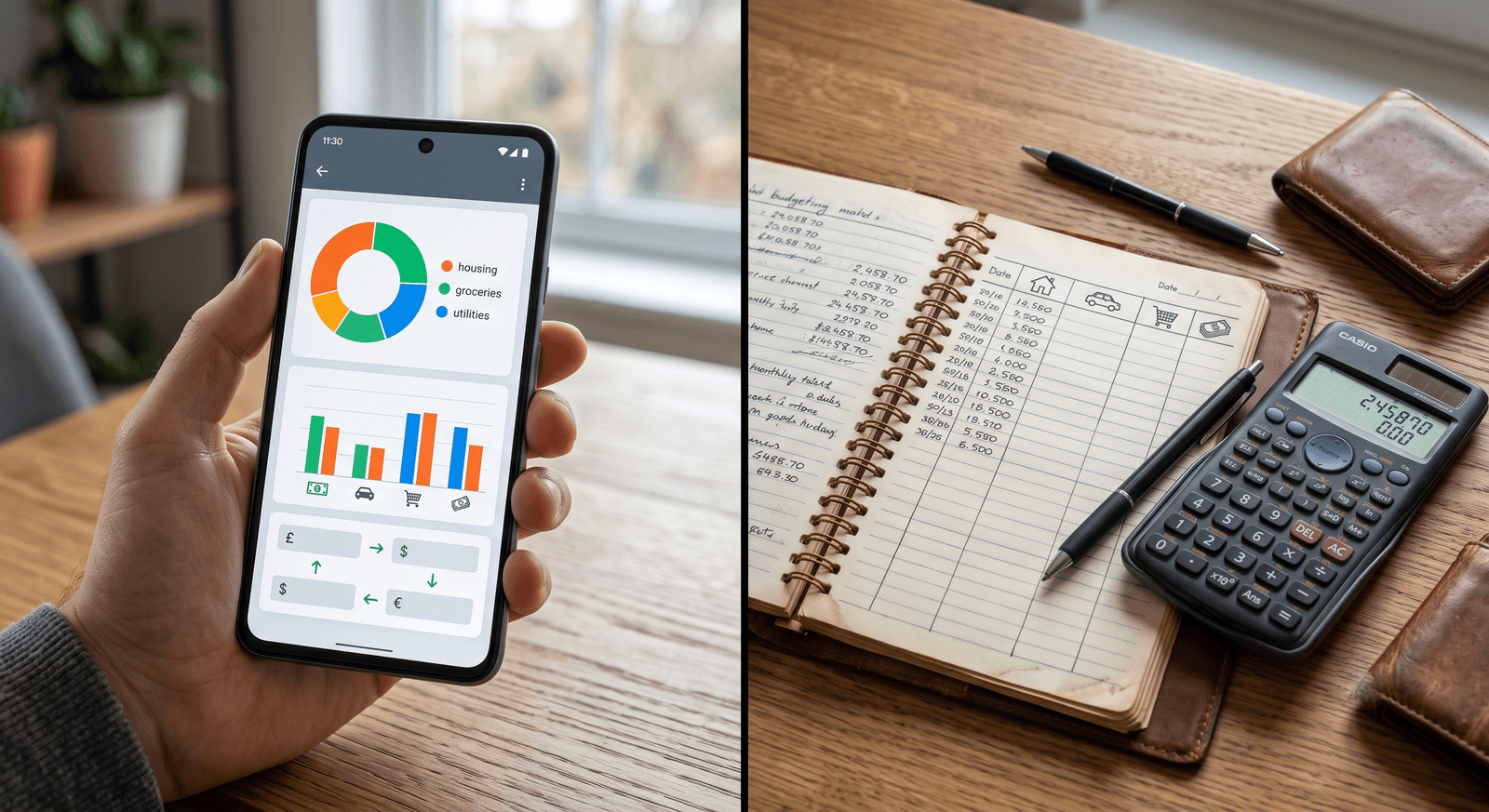
Bank-linked budgeting apps connect to your bank accounts and import every transaction automatically. Manual budgeting apps have you enter each expense yourself, with no bank connection at all. That single design choice, who captures the data, drives everything else that separates the two: your privacy exposure, how aware you are of your spending, how reliable the app feels day to day, and which type actually fits your life.
This guide breaks down the difference between bank-linked and manual budgeting apps in practical terms, so you can pick the approach that matches your priorities instead of the one with the flashiest onboarding.
Bank-linked vs manual budgeting apps: the core difference
A bank-linked app syncs with your accounts and pulls in transaction data on its own. You spend the $42 at the grocery store, and the charge appears in the app without you lifting a finger. It’s built for people who want a set-and-forget system, and the convenience is real. The cost is access: the app needs a connection to your sensitive financial information to work.
A manual budgeting app flips the trade. You log each expense yourself, which takes a few seconds per transaction and a bit of discipline. In exchange, the app never touches your bank, and the act of entering each purchase keeps you connected to where your money is going. For a full breakdown of how the sync itself works, see what a bank-linked budgeting app actually shares.
Here’s the comparison at a glance:
| Aspect | Bank-linked apps | Manual apps |
|---|---|---|
| Setup | Automated through bank sync | You enter transactions yourself |
| Privacy exposure | Higher, requires bank access | Minimal, no bank link at all |
| Effort | Low, transactions import on their own | A few minutes a day of logging |
| Best fit | Convenience-seekers with busy schedules | Privacy-focused, hands-on budgeters |
Which type of budgeting app is more private?
Manual apps, and it isn’t close. A bank-linked app requires access to your financial accounts, so if the app or its data pipeline is ever compromised, your transaction history is part of what’s exposed. Most reputable apps use encryption and other security measures, but the underlying risk doesn’t disappear: your data sits in a third party’s systems, where it could be exposed in a breach or monetized as part of the business model. The hidden risks of bank-synced budgeting apps go deeper than most users realize.
A manual app never connects to your financial accounts, so there’s nothing to intercept and no live feed to breach. The only financial data it holds is what you type in yourself. If privacy sits at the top of your list, this design difference alone settles the question.
Why does manual entry change your spending behavior?
Automation has a quiet side effect: it makes spending passive. When transactions flow into an app on their own, you can go weeks without really looking at them. The tracking happens, but the awareness doesn’t, because you never actively participate in it.
Manual entry works the opposite way. Logging that $9.99 subscription or $6 lunch forces a small moment of acknowledgment: you see the purchase, you categorize it, you feel it. Repeated daily, that moment compounds into genuinely better habits, which is exactly what the psychology of logging expenses by hand predicts. The extra effort is the feature, not the flaw. The friction is doing the budgeting.
What about reliability and syncing issues?
Bank-linked apps depend on an external connection to your bank, and that connection is not always smooth. Transactions can take days to appear, and syncs can break entirely during bank server maintenance. When the feed lags, your budget shows a picture of your money that’s already out of date.
Manual apps have no external data source to fail. Your budget is exactly as current as your last entry, which means it can reflect a purchase the moment you make it instead of whenever the sync catches up. If you’ve ever stared at an app wondering why yesterday’s charges haven’t shown up, that reliability is worth more than it sounds.
How do you choose between bank-linked and manual?
Match the app to your priorities, not the other way around:
- Choose a bank-linked app if convenience wins. You have a busy schedule, a high transaction volume, and you’d rather have imperfect automated tracking than manual tracking you might not keep up.
- Choose a manual app if privacy and awareness win. You don’t want your bank credentials in a third party’s hands, and you want the act of tracking to actually change how you spend. An app built for fast manual entry, like Wizpend, keeps each log to a few seconds without ever connecting to your bank.
- Look for customization either way. Features like custom categories, tagging, and simple reports let you shape the app around your life, which softens the weaknesses of both approaches.
There’s no universally right answer here. There’s only the app you’ll still be using in six months.
Can you use both approaches at once?
Yes, and for many people a hybrid setup is the sweet spot. Let automation handle the predictable part of your finances, the fixed bills and recurring charges that never change, and log your discretionary spending by hand, where awareness actually affects behavior.
A practical split looks like this:
- Automate the fixed expenses. Rent, insurance, and subscriptions recur on schedule, so there’s little awareness to gain by logging them manually.
- Hand-log the variable spending. Dining, shopping, and entertainment are where impulse lives, and where manual entry earns its keep.
- Review weekly. Whichever mix you use, a short regular review is what turns raw entries into decisions.
This is the same logic behind the envelope method reimagined for the smartphone era: put the friction where it changes behavior, and automate the rest. For a deeper look at the trade-off itself, see automated vs. manual budgeting.
Track on your own terms with Wizpend
The practical takeaway: if you want maximum convenience, link your bank and accept the privacy trade; if you want control, awareness, and zero bank access, go manual and put in the few seconds per purchase. Wizpend is built for the second path, with fast manual entry, your own categories, and no financial data in the app except what you type in yourself.