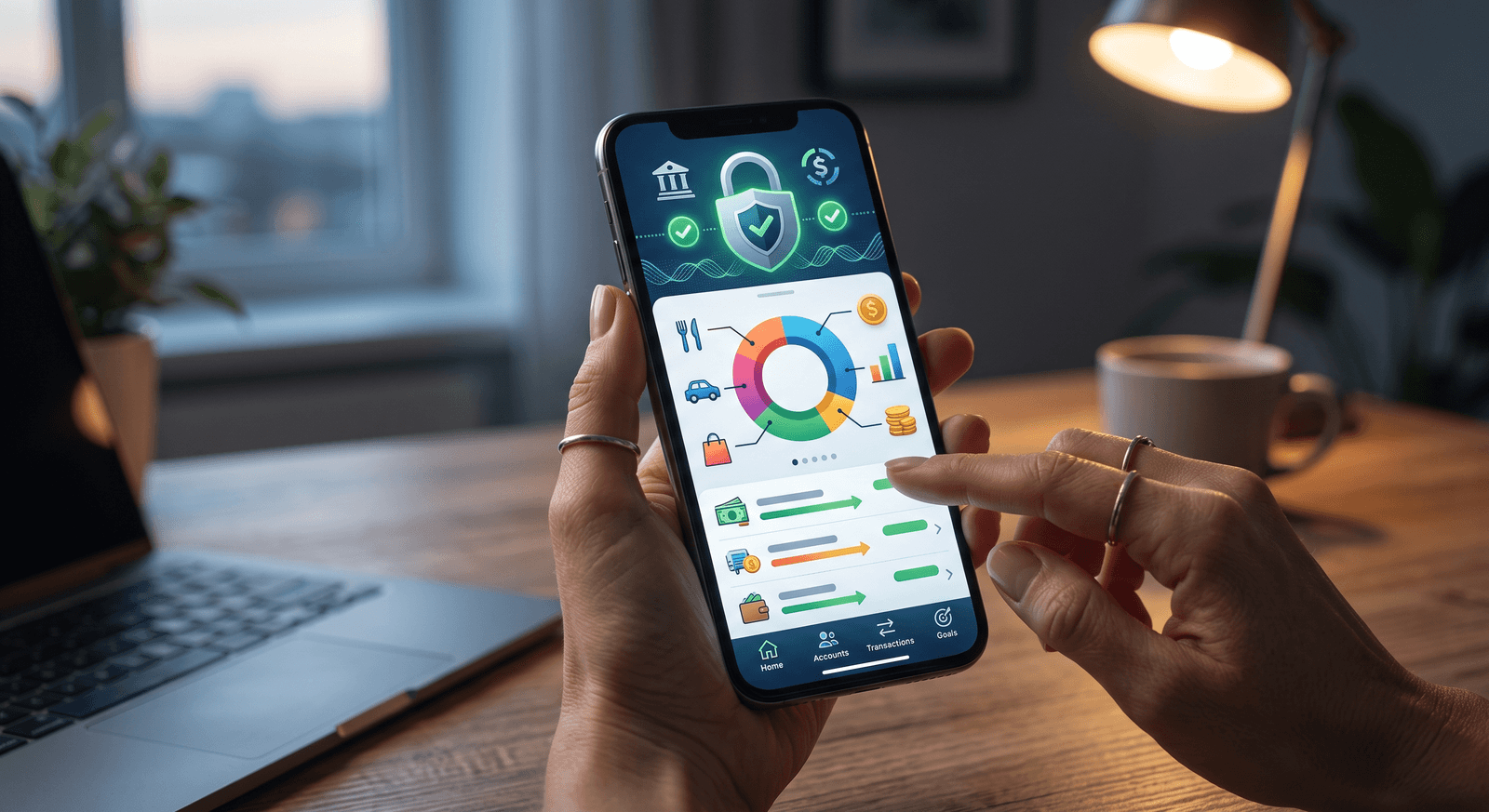
A bank-linked budgeting app is an app that connects to your bank account through a third-party service, called a financial aggregator, and imports your transactions automatically. Buy a $4.75 coffee, and it shows up in the app already dated and categorized, no typing required. That automation is the whole pitch: real-time spending data without manual entry, powered behind the scenes by aggregators like Plaid and Yodlee.
Convenient, yes. But before you hand any app a live connection to your bank, it’s worth understanding exactly how that connection works, who sits in the middle of it, and what data actually flows through. That’s what this guide covers.
How does a bank-linked budgeting app work?
The app never talks to your bank directly. Instead, it connects through a financial aggregator, a third-party service that acts as the intermediary between banks and budgeting apps.
The aggregator uses APIs (Application Programming Interfaces) to establish a connection that lets the app read information like your account balances and transaction history. Those APIs are designed to protect your credentials, which means the budgeting app itself never directly accesses or stores your banking password. You authenticate with the aggregator, and the aggregator passes data, not your login, to the app.
So when a transaction posts to your checking account, the flow looks like this:
- Your bank records the transaction as it normally would.
- The aggregator pulls it through its API connection to the bank.
- The budgeting app receives it from the aggregator and slots it into your budget, usually with a category already guessed.
What are financial aggregators like Plaid and Yodlee?
Financial aggregators are the linchpin of the whole system. These companies specialize in providing secure, real-time data connections between banks and financial apps. Plaid is the one you’re most likely to encounter; it’s used across a wide range of financial apps and complies with international banking standards. Yodlee plays a similar role.
Aggregators exist because connecting to thousands of banks is a genuinely hard technical problem. By handling that complexity once, they let each budgeting app focus on its actual product instead of maintaining bank connections. If you want to trace the full journey your information takes, what happens to your data when you connect your bank to an app walks through it step by step.
What data does a bank-linked app actually access?
Less than you might fear, but more than nothing. When you link your bank, the aggregator grants the app access to a specific, limited slice of your financial life:
- Transaction history: every purchase, deposit, and transfer, with dates and merchant names.
- Account balances: the current numbers across your linked accounts.
- Basic account details: some personal account information tied to those accounts.
Just as important is what the connection can’t do. The access is read-only in practice: it does not extend to sensitive actions like transferring money or changing your password. An app that can see your $1,340 checking balance cannot move a dollar of it.
How secure are bank-linked budgeting apps?
Reputable aggregators set rigorous protocols, and the apps built on them inherit those standards. Encryption, two-factor authentication, and regular security audits are standard practice across the industry.
Regulation is pushing things further in your favor. Rules like the General Data Protection Regulation (GDPR) and Open Banking initiatives in various countries are making financial data handling more user-centric, including the right to disconnect a service whenever you choose. You are never locked into a link you’ve granted.
That said, “the protocol is secure” and “linking is right for you” are two different questions. Is it safe to link your bank account to a budgeting app digs into how to judge a specific app’s security and data-sharing practices before you connect anything.
Bank-linked vs. manual entry: which gives you more control?
Bank-linked apps trade control for convenience. Manual entry apps make the opposite trade: you type in each transaction yourself, which takes more time but gives you full say over what gets logged and how it’s categorized. Here’s how the two approaches compare:
| Feature | Bank-linked | Manual entry |
|---|---|---|
| Data entry | Automatic | Manual |
| Time efficiency | High | Low |
| Error potential | Low | Moderate |
| Control over data | Moderate | High |
Neither column wins outright. If you want speed and real-time updates with zero effort, bank-linking delivers. If you value meticulous control over your data, or you’d simply rather not grant a third party access to your account at all, manual entry is the better fit, and an app built for it, like Wizpend, keeps the logging fast without ever touching your bank. For a deeper look at how each approach shapes your habits, see automated vs. manual budgeting.
Why do bank connections break, and how do you fix them?
Even a well-built link fails sometimes. The usual culprits are changes in your bank’s protocols or updates to the app’s software; when either side changes, the connection between them can drop until it’s re-established.
When your transactions stop syncing, work through these steps:
- Refresh the connection in the app’s settings. This re-authenticates the link and fixes most drops.
- Check for app updates. An outdated version may no longer match the bank’s current protocol.
- Contact support if the first two fail, either the app’s or your bank’s.
Keeping the app updated and staying aware of notices from your bank prevents most breakages before they happen. Just know going in that a synced budget carries this maintenance cost; a manual system has no connection to break.
How do you get started with a bank-linked budgeting app?
If the convenience side of the tradeoff wins for you, getting started takes four steps:
- Research apps by feature and compatibility. Confirm the app supports your bank before anything else; not every app connects to every institution.
- Read the reviews and the privacy policy. The policy tells you how your data is handled; the reviews tell you how reliable the connection actually is.
- Download the app and link your bank. You’ll authenticate through the aggregator, then the app starts importing transactions.
- Explore the budgeting features and keep evaluating. Check periodically that the app is still earning its place, and adjust your setup as your finances change.
And if step two turns up a privacy policy you don’t like, you’re not stuck: budgeting apps that don’t require bank access covers the tools that skip the link entirely.
Where Wizpend fits in
The real takeaway is that a bank link is a tradeoff you should make deliberately: automatic imports and real-time balances on one side, a third party sitting between you and your bank data on the other. If you land on the control side of that line, Wizpend gives you the structure of a budgeting app with none of the linking, since every expense is one you logged yourself, on purpose.