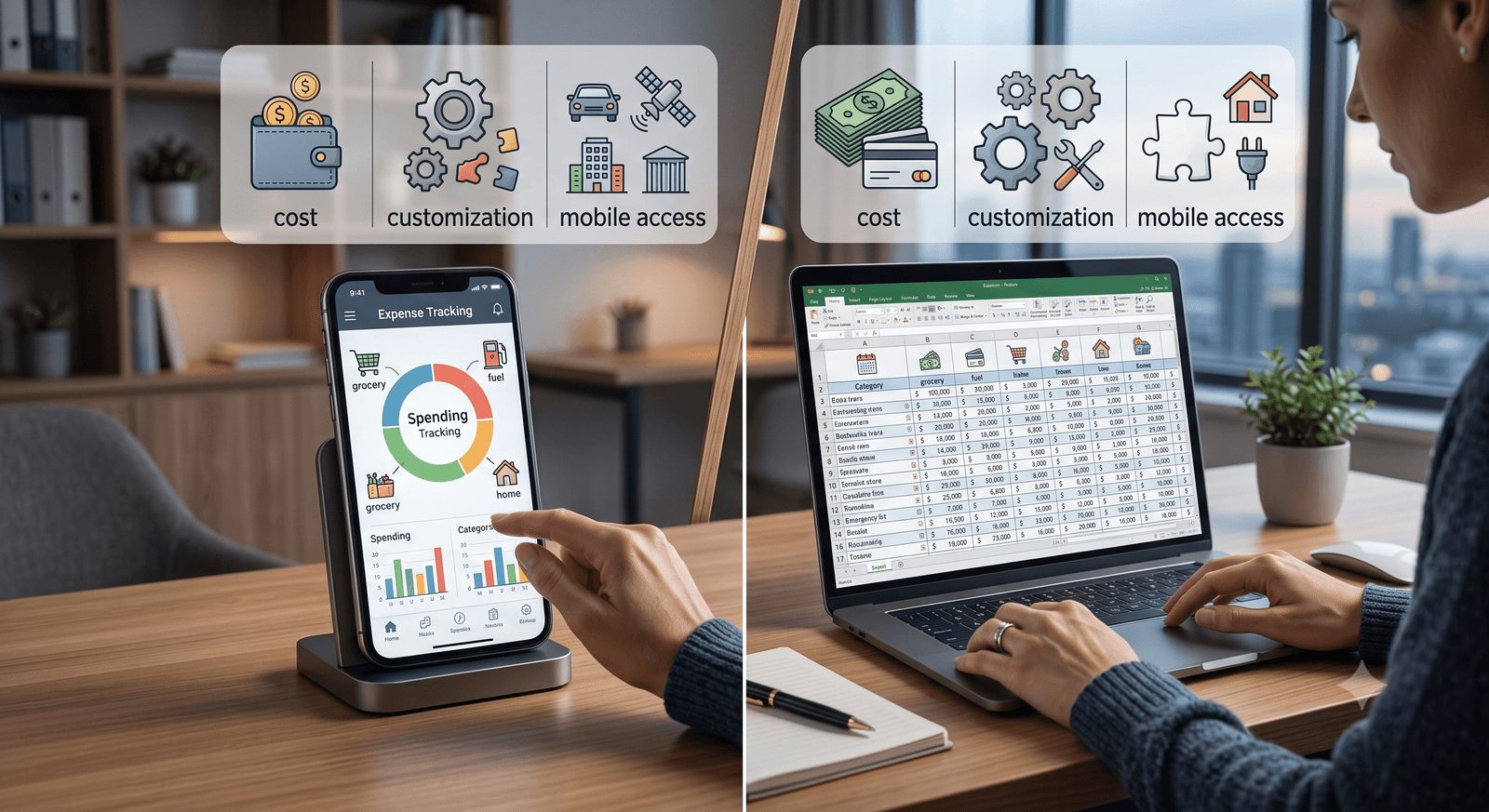
An expense tracker app is faster to set up and mostly runs itself, while a spreadsheet is free and endlessly customizable but leans on you to keep it current. Pick the app if you want automation and mobile access in minutes; pick the spreadsheet if you want full control and no subscription and do not mind the upkeep. A manual-entry app sits between the two, giving you app convenience without handing over the wheel.
That middle option is the part most comparisons skip. The real choice in expense tracker vs spreadsheet is not automation against a blank grid; it is how much effort you want to spend and how much control you want to keep. This guide walks through setup, long-term reliability, cost, and customization, then shows where each method wins and who each one suits.
Expense tracker vs spreadsheet: the quick answer
Both tools do the same job, tracking what comes in and what goes out. They just ask for effort at different points. An app front-loads convenience: install it, and it starts working. A spreadsheet front-loads control: build it once, and it does exactly what you told it to.
| Method | Setup time | Ongoing effort |
|---|---|---|
| Expense tracker app | Minutes | Low, often automated |
| Spreadsheet | Hours | Moderate to high, manual input |
The rest of the decision comes down to four things: how much setup you can stomach, how well the tool holds up over months, what it costs, and how far you can bend it to your own categories.
How much setup does each one take?
An expense tracker app is the fast start. You download it, create an account, and if you want, link a bank account. A few minutes later you are tracking. Nothing to build, nothing to format.
A spreadsheet asks for real work up front. You either source a template or build one, then set up formulas for your totals and tailor the categories to your own spending. That takes an understanding of the software most people only half have, which is a barrier if you are not already comfortable in Excel or Google Sheets.
The trade is simple. The app saves you the setup; the spreadsheet makes you earn the flexibility. If you want to be logging expenses today, the app wins this round. If you enjoy building the thing exactly right, the spreadsheet does.
Which is more reliable over time?
This is where the gap widens. An expense tracker app that pulls from linked accounts keeps itself current, which cuts down on human error and missed days. The tracking stays consistent because you are not the one holding it together.
A spreadsheet is only as reliable as your discipline. Fall behind for a week and you are reconstructing purchases from memory. Formulas break when a row shifts. And because most spreadsheets live on a desktop, there is no quick way to log a $9.99 charge the moment it happens, so entries pile up and gaps creep in. Over a few months, those small lapses add up to numbers you cannot trust.
If spreadsheet upkeep is already wearing you down, that fatigue has a name and a fix. Our guide to fixing spreadsheet burnout with minimalist tools covers why the setup-and-maintain cycle drains people and how to track only what matters.
What does each option cost?
Expense tracker apps run from free tiers with limited features up to paid subscriptions with fuller analytics and support. The monthly fee is the price of the automation and the polish.
Spreadsheets are close to free. If you already have Excel or use Google Sheets, there is no extra cost at all. For anyone who wants hands-on control without a recurring bill, that is hard to beat.
| Option | Typical cost | What you get |
|---|---|---|
| Expense tracker app | Free to paid subscription | Automation, analytics, mobile access |
| Spreadsheet | Free or one-time software | Full control, no recurring fee |
Cost alone should not decide it. A free spreadsheet you stop updating is worse value than a modest subscription you actually use.
Which gives you more customization?
Spreadsheets win on flexibility, no contest. You control every cell, formula, and layout, so you can track oddly specific things a packaged app never anticipated. If your finances have unusual corners, a spreadsheet bends to fit them.
Expense tracker apps customize only so far. They follow a more structured design on purpose, because that structure is what makes them easy and fast to use. You give up some control to gain convenience. For plenty of people that trade is worth it, but if you need to track something the app does not support, the spreadsheet is the honest answer.
What about a middle ground?
If neither extreme fits, a manual-entry app splits the difference. You log each expense yourself, the way you would in a spreadsheet, but you get mobile access and a bit of built-in structure so nothing breaks when you add a row. It keeps the awareness that comes from typing in every purchase while dropping the formatting and formula upkeep.
That is the model behind Wizpend: manual entry that stays fast on your phone, without linking to your bank account. You keep the control of a spreadsheet and the accessibility of an app, and because you enter each charge by hand, you notice your spending instead of letting it auto-import past you. Manual expense tracking works precisely because that small friction makes you pay attention.
Which should you choose?
It comes down to your comfort with technology and what you actually want from the tool. There is no single right answer, only the one that fits your habits.
- Choose an expense tracker app if you want automation, real-time updates, and mobile access, and you would rather not maintain anything by hand.
- Choose a spreadsheet if you value complete control and zero recurring cost, and you are comfortable enough with the software to keep it accurate.
- Choose a manual-entry app if you want the awareness of logging by hand plus the convenience of a phone in your pocket.
Switching later is not a trap either. Many apps import existing data, so a spreadsheet you outgrow can move over without you retyping months of history. Start with the tool that matches your habits today, and change it when your habits change.
Track your spending with Wizpend
Here is the takeaway: an app saves you effort, a spreadsheet gives you control, and the right pick depends on how much of each you want. If you like the control of a spreadsheet but keep falling behind on the upkeep, a manual-entry app is the middle path. Wizpend keeps logging fast and private on your phone, so you get the awareness of tracking by hand without the formulas, the missed entries, or a bank connection you never asked for.