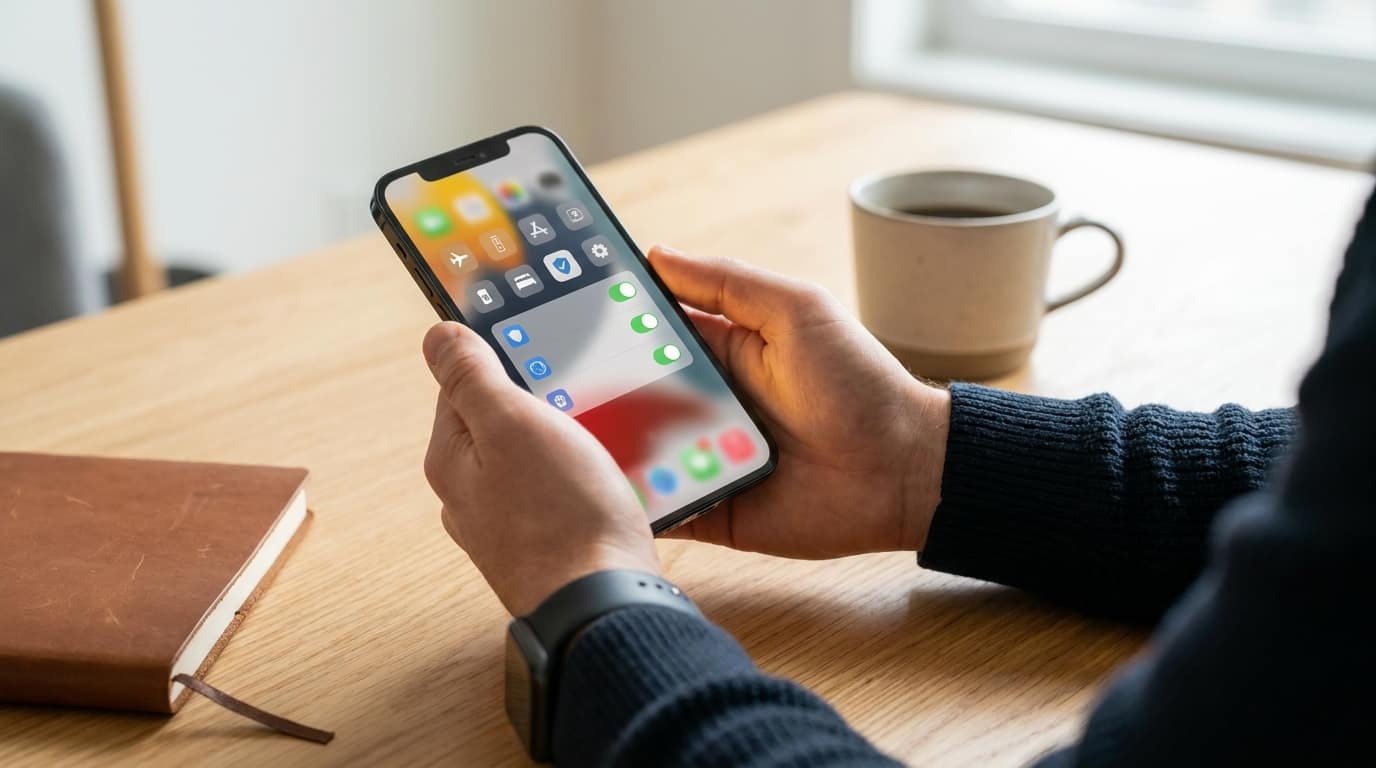
Ensure your financial data privacy when using budgeting apps by focusing on reading privacy policies, enabling two-factor authentication, and being aware of data-sharing practices. Follow these steps to protect your sensitive financial information.
In today’s digital age, budgeting apps have become indispensable tools for managing personal finances. But the convenience they offer comes with potential privacy risks. Understanding how to keep your financial data private when using these apps is crucial. This guide covers practical steps to keep your financial information secure and private.
Understanding the privacy landscape of budgeting apps
Budgeting apps often need access to sensitive financial data to provide their services: bank account details, transaction histories, spending patterns. It’s crucial to understand how an app handles and stores that data.
A common concern is whether an app sells your data. Many free apps operate on a model where your data is the product, meaning they may share your information with third parties for advertising. Reading the privacy policy is the most direct way to find out.
Five essential checks before downloading a finance app
Before committing to a new budgeting app, run a quick privacy audit:
- Read the privacy policy. Understand what data is collected, how it’s used, and who it’s shared with. Watch for vague terms about data sharing and selling.
- Check permissions requested. Excessive permissions, like access to contacts or location, can signal unnecessary data collection.
- Enable two-factor authentication (2FA). This adds an extra layer of security, so even a compromised password doesn’t hand over your account.
- Assess the app’s business model. Free apps often make money through data sales. Paid alternatives may prioritise privacy instead.
- Look for reviews and security certifications. Genuine user reviews and recognized security certifications give you outside signal on trustworthiness.
| Check | Importance |
|---|---|
| Read the privacy policy | High |
| Check permissions requested | Medium |
| Enable two-factor authentication | High |
| Assess the app’s business model | Medium |
| Look for reviews and security certifications | High |
As an expert in digital privacy, it’s clear that protecting financial data in budgeting apps is paramount. The balance between convenience and privacy is delicate, but by being proactive about security measures, users can enjoy the benefits of these apps while safeguarding their data.
– Digital Privacy Specialist
The role of Open Banking and API aggregators
Open Banking has changed how financial data is accessed and shared, driving innovation in budgeting apps, but it also introduces privacy considerations. API aggregators, such as Plaid and Yodlee, facilitate data sharing between banks and apps.
Regularly audit your linked accounts within your banking portal to make sure unnecessary access is revoked. This means revoking API tokens that aggregators might otherwise use to access your data without ongoing consent.
Wizpend’s privacy-first approach
Wizpend takes a different approach, built around data privacy from the ground up. Rather than relying on ad-driven data sharing, its business model doesn’t depend on selling user data, making it a preferable option if you’re privacy-conscious.
Red flags in permission requests
When installing a budgeting app, pay close attention to what it asks for. Red flags include requests for access to your contacts, microphone, or camera, none of which a financial app genuinely needs.
Permissions should align with an app’s core functionality. If a budgeting app wants access unrelated to budgeting, that’s worth questioning.
Opting out of data sharing and anonymised-data loopholes
Many apps let you opt out of data sharing in their settings. Anonymised data might seem harmless, but it can still be sold to advertisers and, in some cases, de-anonymised.
Dig into these settings and opt out wherever the option exists; it’s one of the simplest ways to keep more control over your data.
Next steps for maximising financial data security
To further secure your financial data, favour privacy-focused budgeting apps and update your passwords regularly. Staying informed about current security practices and paying attention to app updates also strengthens your defenses over time.
Following these guidelines meaningfully reduces the risks that come with using budgeting apps, while letting you keep control over your sensitive financial information.