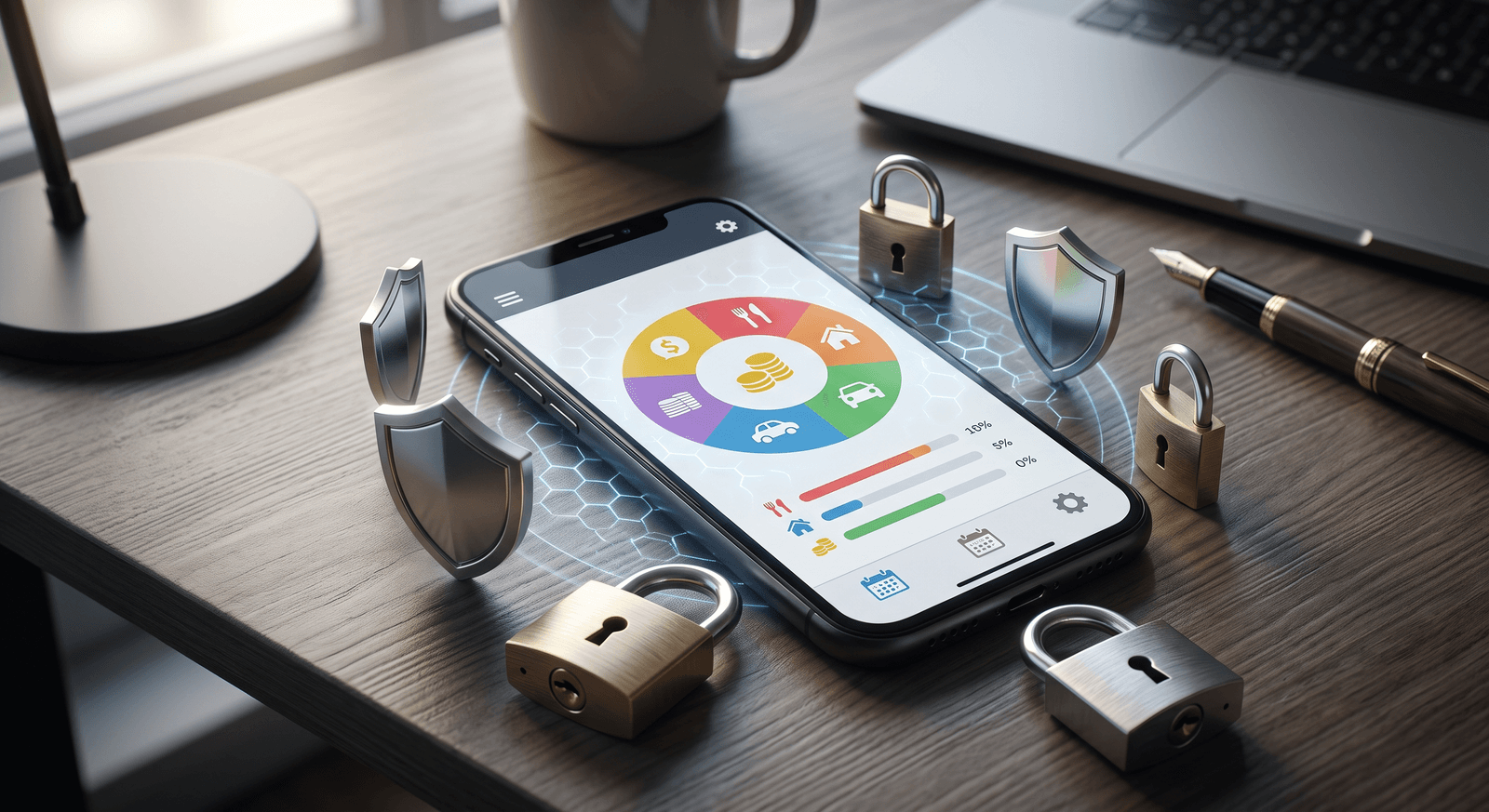
Are budgeting apps safe to use? Mostly, yes. The real risk level comes down to one question: does the app connect directly to your bank account, or does it work from data you enter yourself? Manual-entry apps carry lower risk because there’s no live connection to your financial institution, while bank-synced apps rely on technologies like OAuth and encryption to keep that connection secure.
That single distinction shapes everything else, from what a breach could expose to what questions you should ask before you download. This guide walks through the factors that actually determine whether a budgeting app is safe, so you can judge any app on its own terms instead of guessing.
What makes a budgeting app safe or risky?
Start with how the app gets your data. A manual-entry app only knows what you type into it: the $12.50 lunch, the $60 gas fill-up. It never touches your bank, so there’s no credential to steal and no live connection to compromise. That’s why manual-entry apps are considered the safer category, and why privacy-focused users gravitate toward budgeting apps that don’t require bank access. An app built for manual logging, like Wizpend, keeps entry fast without ever asking for your bank login.
Bank-synced apps aren’t automatically unsafe, though. Apps that connect through OAuth or Open Banking APIs are designed to be secure and protect your data with robust encryption. The risk isn’t zero, but a well-built sync is far from reckless.
The honest framing: manual entry gives you more control and a smaller attack surface. Bank-syncing gives you convenience and asks you to trust the security stack behind it. Understanding that stack is what the rest of this guide is for.
What security factors should you check before downloading?
Four factors determine most of an app’s real-world safety. Check each one before you commit:
| Factor | What to look for |
|---|---|
| Data access method | OAuth or Open Banking APIs, not legacy screen scraping |
| Encryption standard | AES-256, verified in the privacy policy |
| Security certifications | SOC 2 Type II or ISO 27001 compliance |
| Business model | How a “free” app makes money from your data |
Data access method matters most. Apps using modern authentication like OAuth are generally safer than those relying on legacy screen scraping, which is more vulnerable to data breaches.
Encryption standards come next. Most secure apps use AES-256, a standard considered nearly impenetrable. Don’t take the marketing page’s word for it; verify the claim in the app’s privacy policy.
Certifications like SOC 2 Type II or ISO 27001 signal that the company adheres to high data-security standards and has been audited against them.
Business model is the factor people skip. “Free” apps often monetize user data, which raises privacy concerns even when the security itself is solid.
OAuth vs. screen scraping: why the connection method matters
If an app does sync with your bank, how it connects is the difference between a modern lock and a spare key under the mat.
OAuth and Open Banking APIs use token-based authentication. You authenticate with your bank directly, and the app receives a limited-access token, never your actual credentials. Screen scraping works the old way: the service mimics your actions by logging in as you, which means your sensitive information is exposed at every step.
| Method | Pros | Cons |
|---|---|---|
| OAuth / Open Banking | Secure, never exposes bank credentials | More complex integration |
| Screen scraping | Easier for the app to build | Risky, exposes sensitive data |
The takeaway is simple: if you’re going to link at all, only link through OAuth. For a fuller framework on judging a specific app before you connect, see is it safe to link your bank account to a budgeting app.
What does AES-256 encryption actually mean?
Encryption converts your data into a scrambled format that can only be decoded with a specific key. When an app advertises AES-256, it means your transaction history and balances are transformed into a format that’s unreadable without the decryption key, so intercepted data is useless to an attacker.
AES-256 is the widely used standard because its security withstands most cyber threats. You don’t need to understand the math; you just need to confirm the app actually uses it, and the privacy policy is where that claim should live.
Why does a free budgeting app cost you privacy?
Free budgeting apps often come at the cost of user privacy. The app still has salaries and servers to pay for, so revenue has to come from somewhere: selling anonymized user data, targeted advertising, or both. Understanding how an app makes money tells you a lot about how your data is used.
| App type | Typical monetization |
|---|---|
| Free apps | May sell anonymized data or run ads |
| Paid apps | Less likely to sell data, more privacy-oriented |
Apps that charge a fee have less incentive to sell your data, which generally makes for a more privacy-oriented model. That doesn’t mean every free app is a data broker or every paid app is clean, but the business model is a strong first signal. If you want to go deeper on controlling what any app learns about you, how to keep your financial data private when using budgeting apps covers the practical steps.
Common myths about budgeting app security
Two misconceptions do most of the damage in this conversation:
- “Apps that need bank access are inherently unsafe.” Not true. Many bank-synced apps use advanced encryption and OAuth authentication to protect user data. The connection adds risk, but a well-secured sync is a calculated trade, not a blunder.
- “Free apps are entirely insecure.” Also not true. A free app may monetize your data, which is a privacy question, but it can still run strong security practices. Data monetization and weak security are separate problems.
The pattern behind both myths is the same: people generalize from price or category when they should be reading the specific app’s features and policies.
And one reassurance worth stating plainly: most budgeting apps cannot move your money. They’re built to read data for tracking purposes only, so an app that can see your balance can’t transfer a dollar of it.
4 questions to ask before you download any budgeting app
Put the factors above to work with this quick pre-download check:
- Does the app require access to my bank account, or does it work offline? Offline and manual-entry apps remove the biggest risk category outright.
- What encryption standard does it use? Look for AES-256, confirmed in the privacy policy.
- Is it compliant with SOC 2 Type II or ISO 27001? Certifications are the closest thing to independent proof.
- If it’s free, how does it make money? If the answer isn’t clear, assume your data is part of it.
Five minutes with an app’s privacy policy answers all four. That’s a small price for knowing exactly what you’re trusting.
The safest setup: manual tracking with Wizpend
If you take one thing from this guide, take the hierarchy: an app that never touches your bank can’t leak a bank connection, and everything else is about managing the risk you’ve chosen to accept. Wizpend sits at the low-risk end of that hierarchy by design. You log every expense by hand, your bank credentials never enter the picture, and the only financial data in the app is what you deliberately put there.